

Type and hit enter
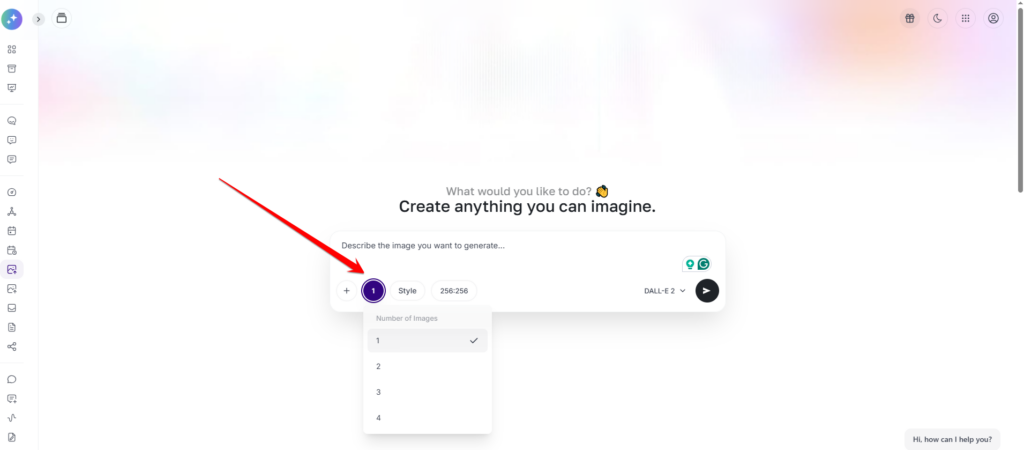
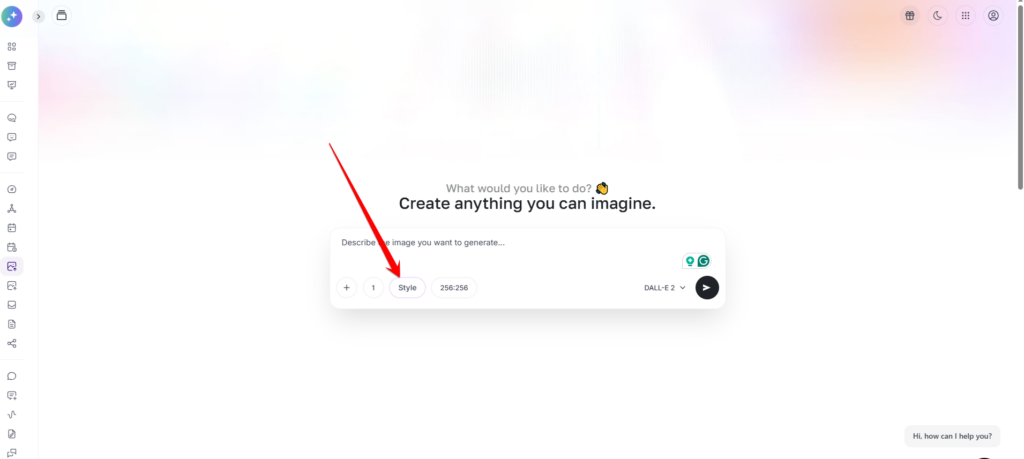
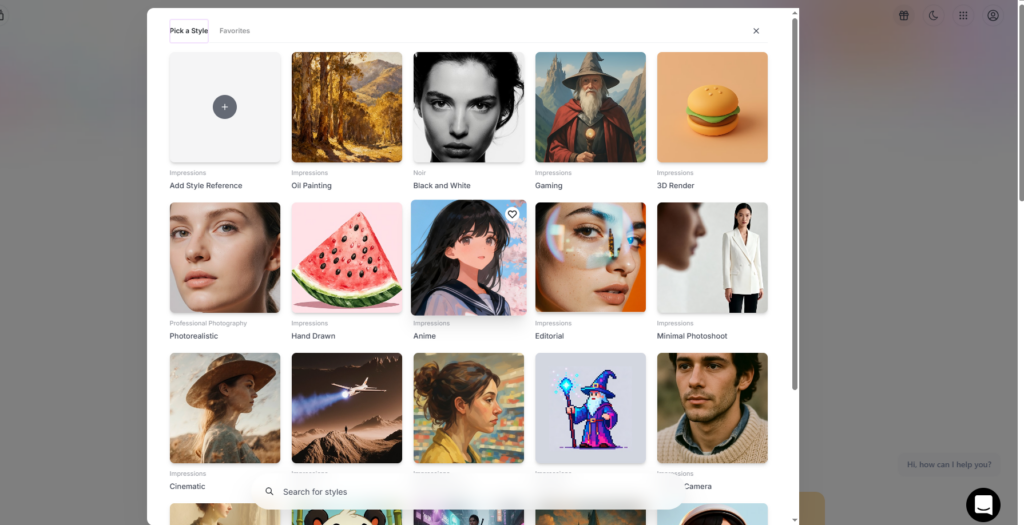
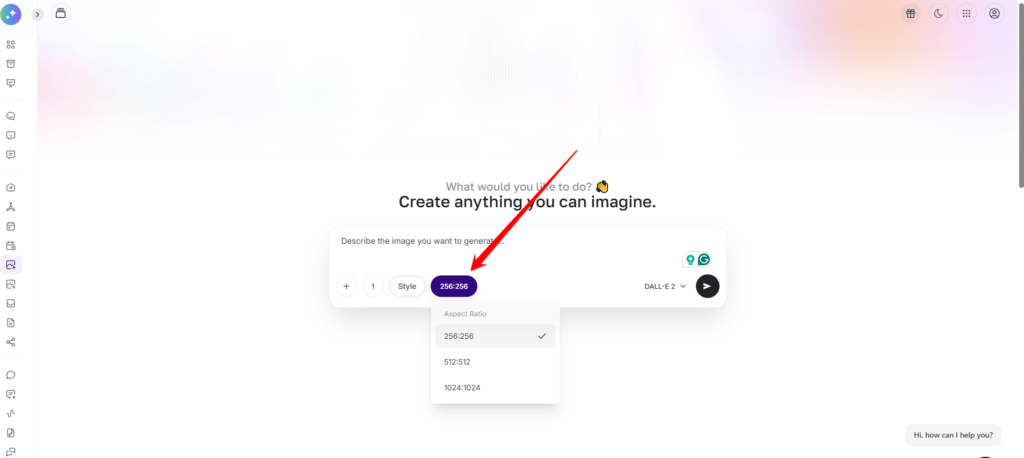
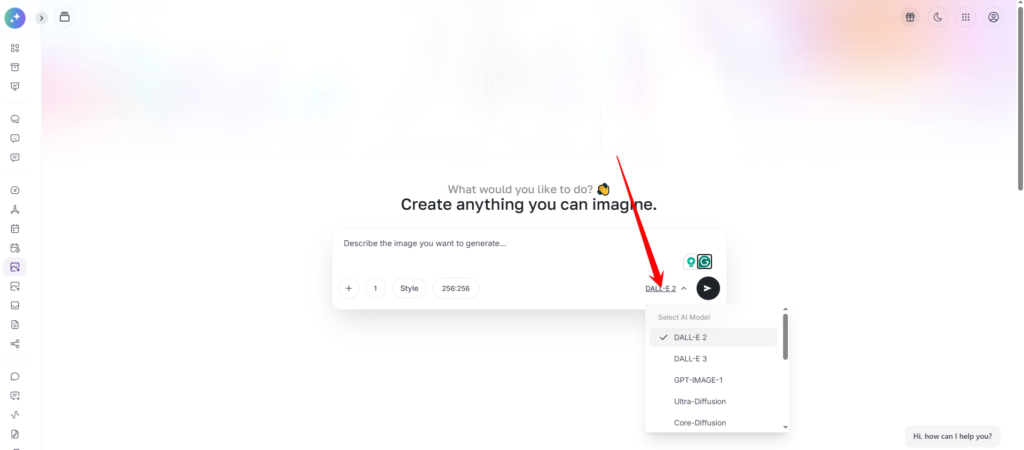
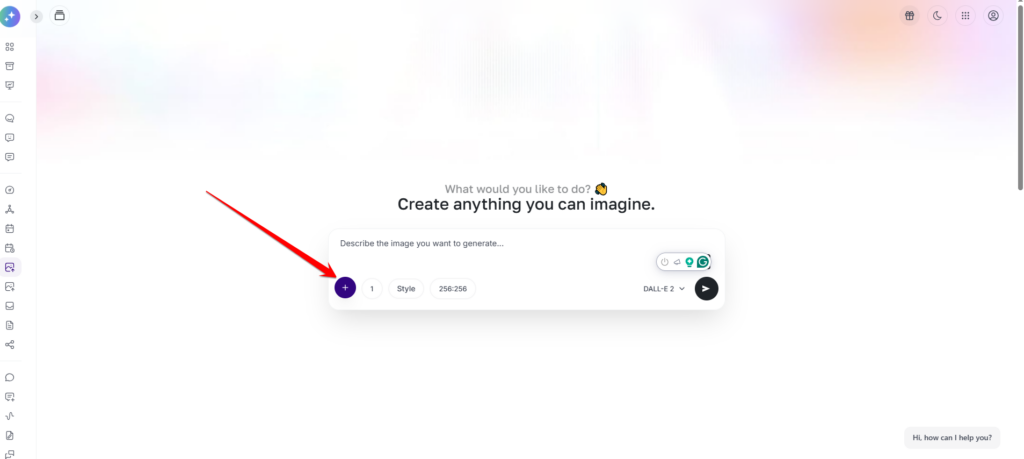
Elevate your creative workflow with AI Image Pro, the all-in-one visual engine integrated directly into your workspace. Designed to bridge the gap between imagination and reality, this extension allows you to generate high-fidelity custom visuals by fine-tuning prompts, styles, and aspect ratios with precision. Beyond creation, AI Image Pro features an intelligent vision tool that analyzes and explains uploaded images, providing instant insights and descriptive metadata. Whether you’re building brand assets from scratch or deconstructing existing aesthetics for inspiration, AI Image Pro delivers professional-grade image intelligence at the click of a button.
Unlock the story behind any visual. Simply upload an image and let our AI analyze the composition, identify key subjects, and deconstruct the artistic style. Whether you need to generate descriptive alt-text for SEO or want to understand the technical elements of a reference photo, our ‘Explain’ feature provides a comprehensive breakdown in seconds.
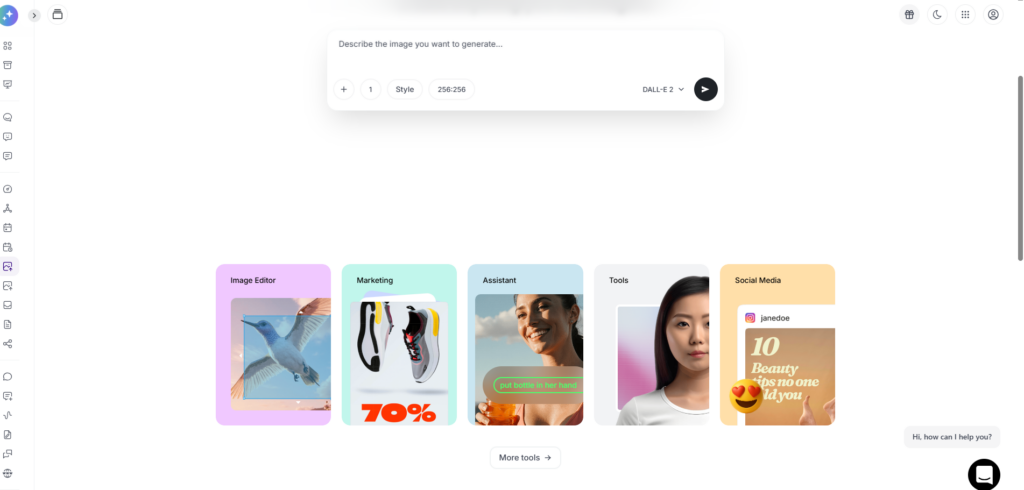
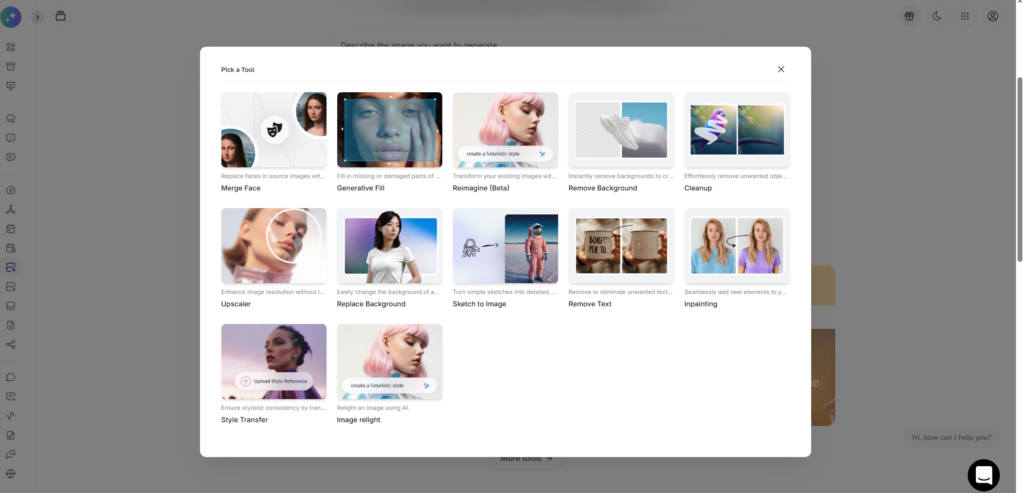
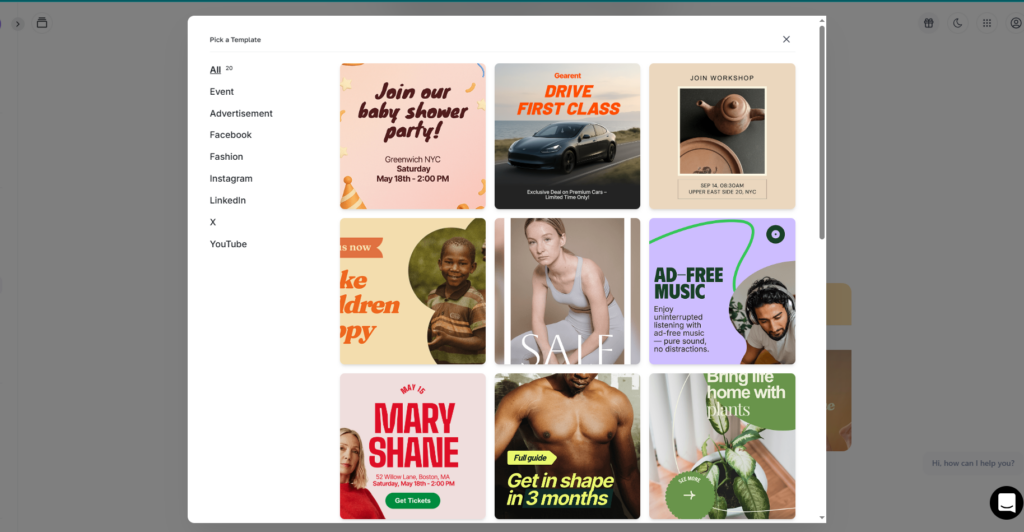
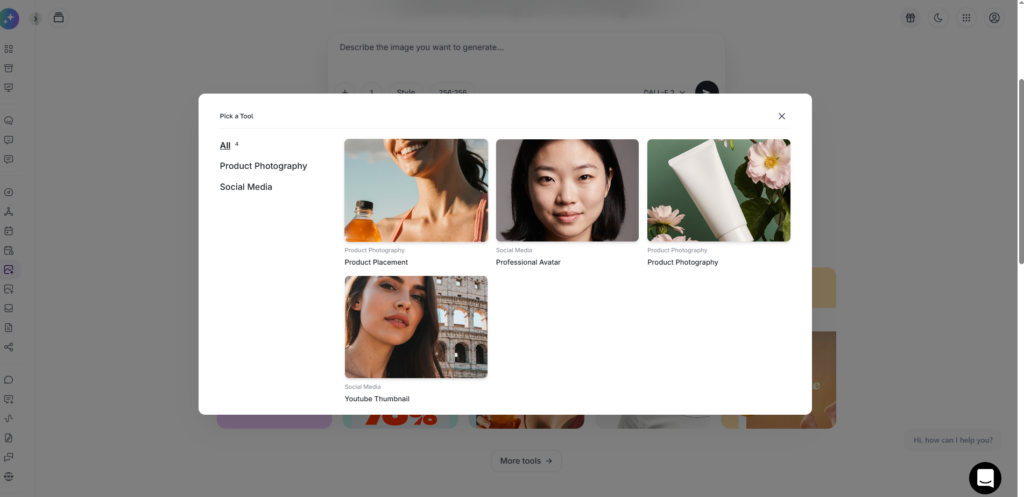
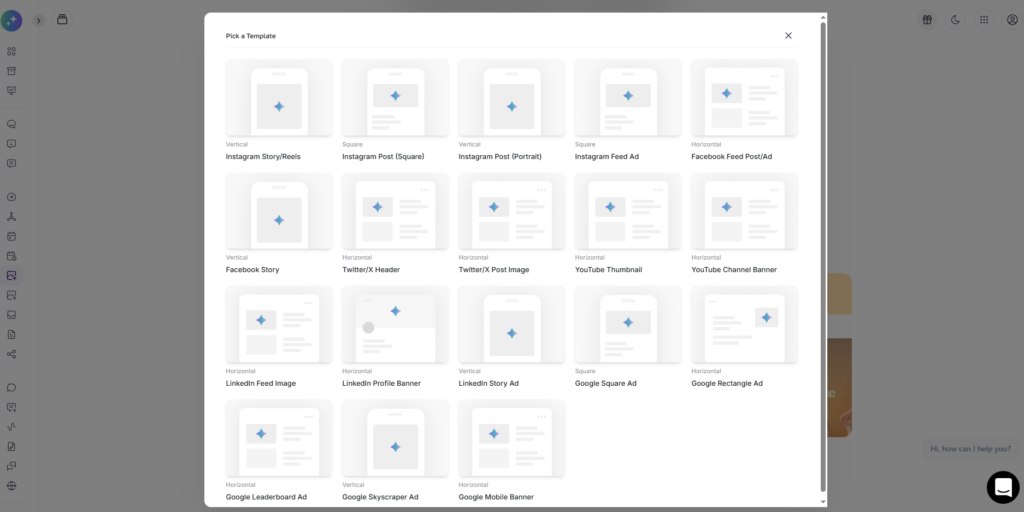
The AI Image Pro extension offers a versatile suite of tools designed to streamline your creative process. Within the interface, you can toggle between specialized modules to suit your needs—whether you are using the Generator to create brand-new visuals from text or the Image Analyzer to upload and receive detailed explanations of existing photos. By selecting the appropriate tool for your task, you can effortlessly transition from generating high-quality variations to deconstructing visual elements, all within a single integrated workspace.
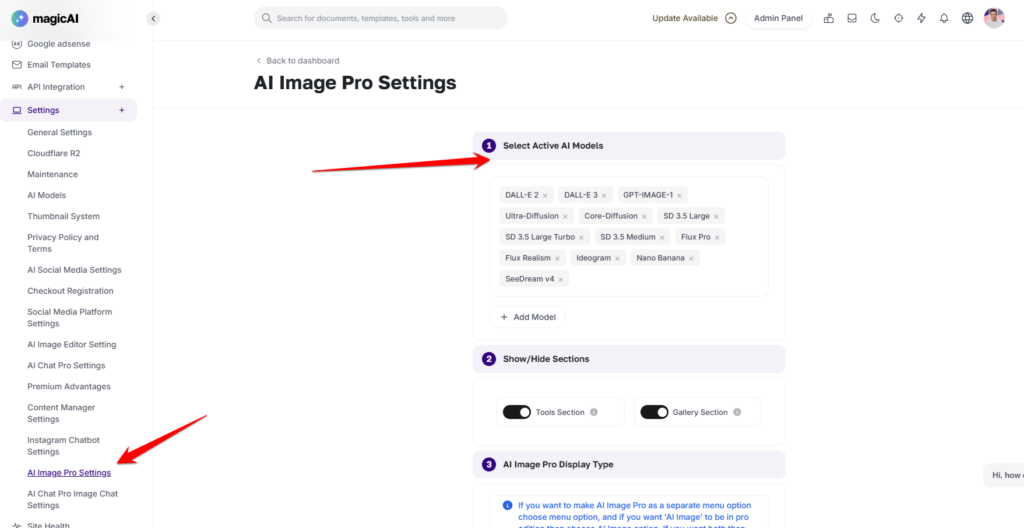
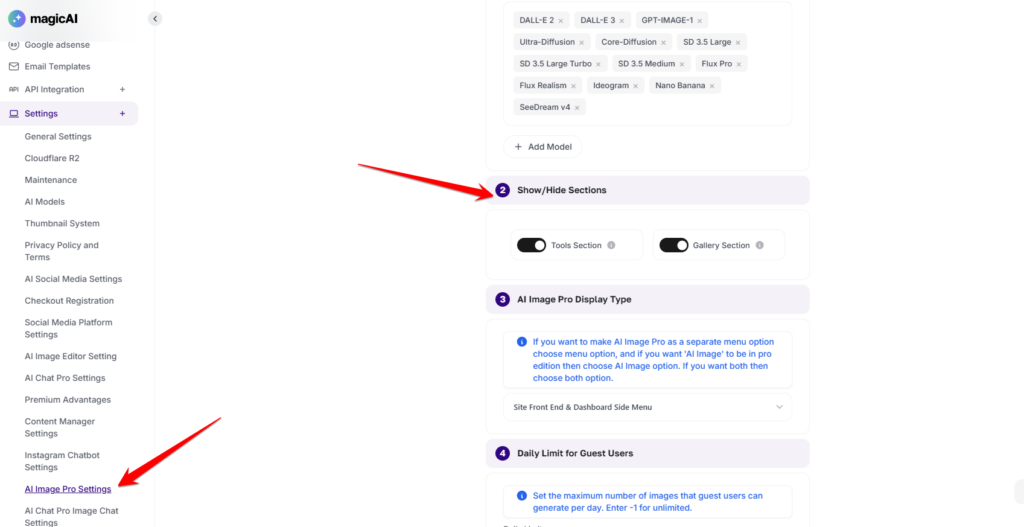
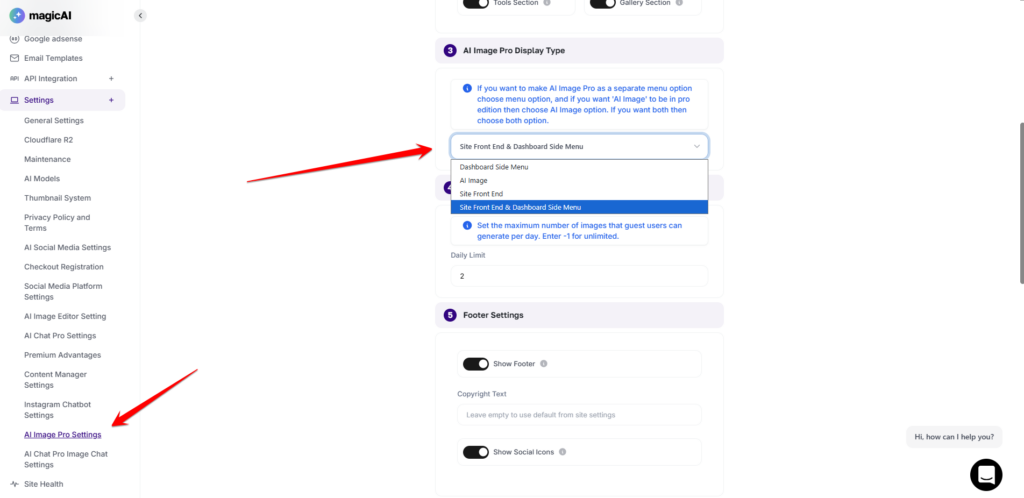
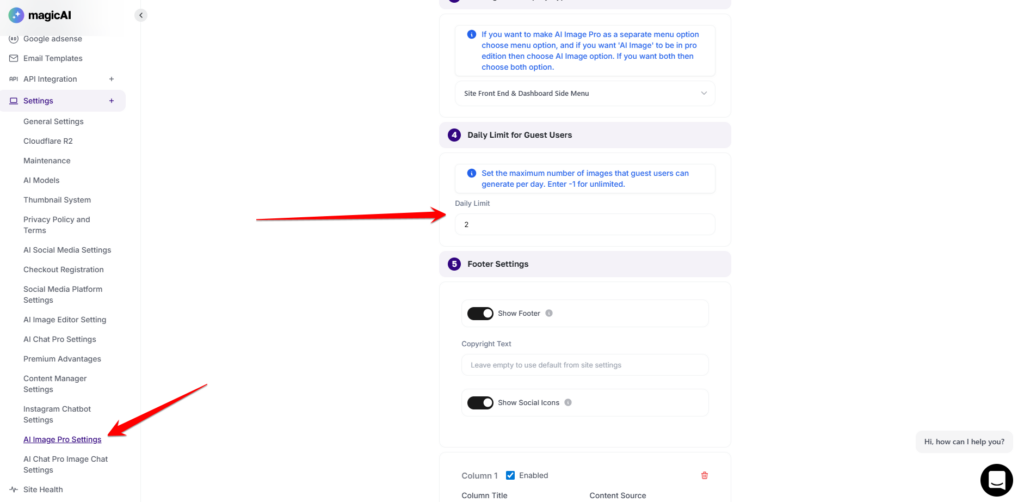
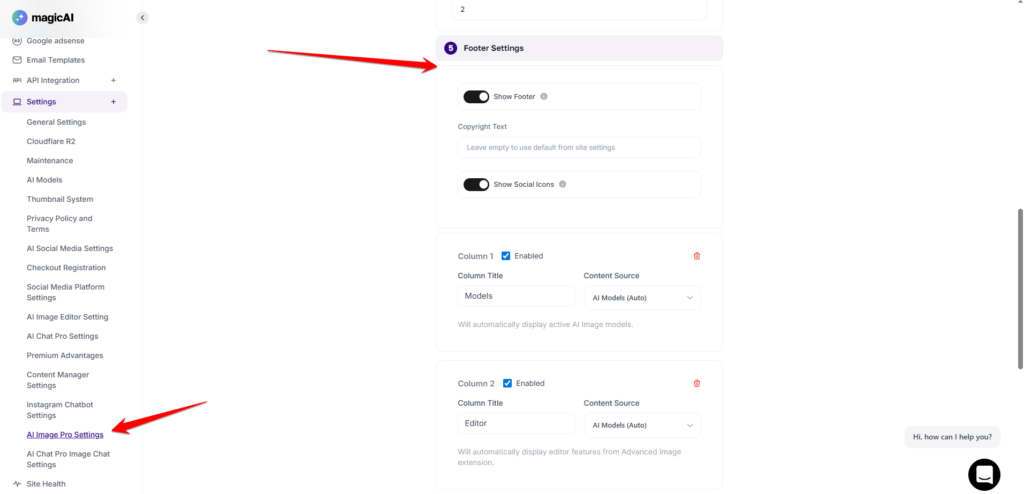
The AI Image Pro extension includes a robust admin panel, giving you complete control over how the tool functions across your platform. From this dashboard, administrators can curate the available AI Models, toggle the visibility of specific feature sections, and choose the display layout that best fits your site’s aesthetic. Additionally, you can manage platform resources by setting daily usage limits for guest users and customizing the footer settings to include brand-specific links or disclosures, ensuring a tailored experience for every user.
The Model Selection feature allows administrators to curate the specific AI engines available to your users. Through the admin dashboard, you can enable or disable various high-performance models (such as DALL-E 3, Stable Diffusion, or Midjourney) based on your subscription tier or quality preferences.
The Show/Hide Sections feature provides administrators with the flexibility to customize the extension’s interface to match their specific business needs. From the admin panel, you can choose which functional areas are visible to your end-users, ensuring a clean and focused workspace.
The Display Type setting allows administrators to define exactly where the AI Image Pro interface appears on your platform. This ensures the tool is accessible only in the environments that best serve your business model and user journey.
The Daily Limit feature provides administrators with essential control over platform resources and server costs. Through this setting, you can define a specific cap on the number of images a guest (non-registered) user can generate within a 24-hour window. Once a guest reaches this threshold, the system will automatically restrict further generations until the following day or until the user creates an account.
The Footer Settings allow administrators to personalize the bottom area of the AI Image Pro interface. This section is essential for maintaining brand consistency and providing users with helpful external resources.
We hope you enjoy using AI Image Pro and find it to be a powerful asset for your creative projects. We are confident that these tools will streamline your workflow and help you bring your most imaginative ideas to life!
Adding {{itemName}} to cart
Added {{itemName}} to cart