Skip links
🔧
Need help with installation?
Send an email to [email protected] to get a quote.

Human Agent for External Chatbot

Table of Contents

The Human Agent for External Chatbot extension allows your users to seamlessly switch from AI to live human support via chat, directly from an external chatbot. You can manage and respond to live conversations in real-time through your MagicAI dashboard.


How to Set Up Human Agent Live Chat

Step 1: Set Up Your Ably Account

  • Go to Ably and create an account.
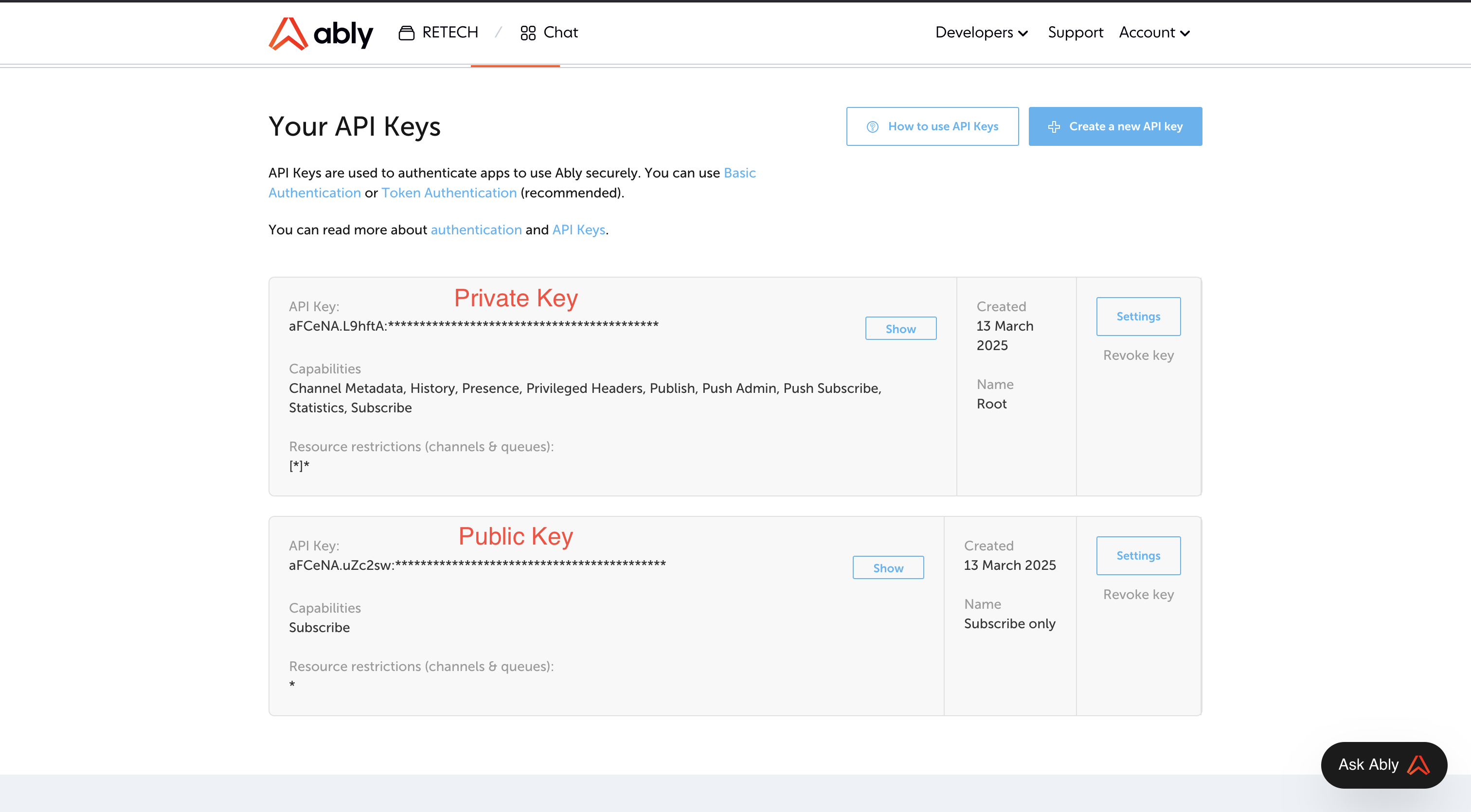
  • In the Ably dashboard, navigate to the API Keys tab.
  • Click “Generate New API Key” and copy:
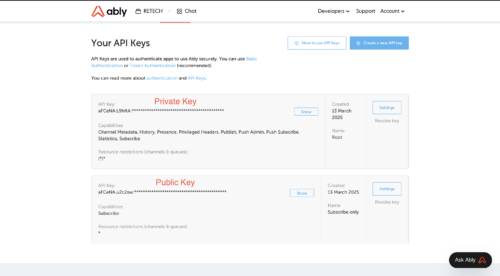
    • The “Root” key as your Private Key
    • The “Subscribe Only” key as your Public Key
Step 2: Enter Ably Keys in MagicAI

  • Go to API Integration > Ably Settings in your MagicAI dashboard.
  • Enter your Public Key and Private Key in the relevant fields and save.

Step 3: Configure a Chatbot

  1. Go to the AI Bots page from your MagicAI dashboard.
  2. Create a new bot or edit an existing one.
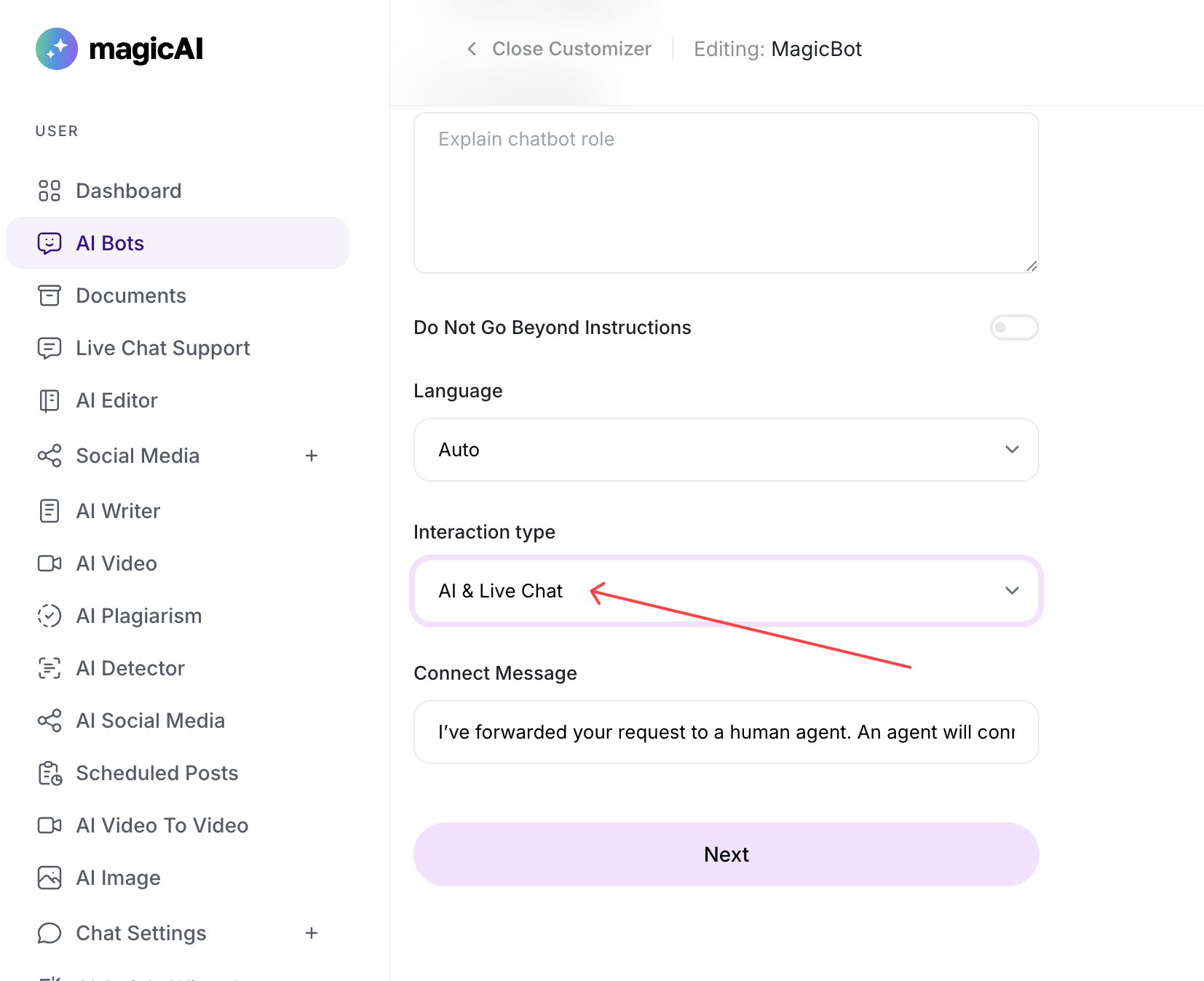
  3. In the chatbot settings, choose your Interaction Type:
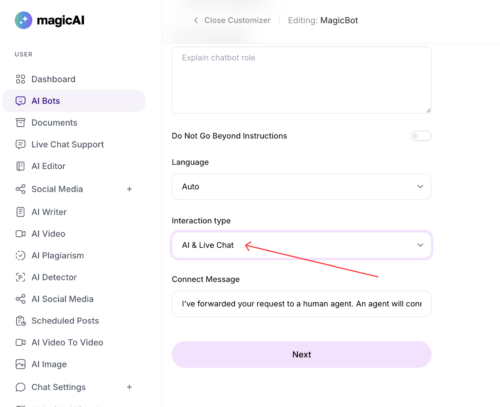
    • AI & Live Chat
    • Only AI
    • Only Live Chat
  4. If Live Chat is enabled, users will see a “Get More Help” button in the chatbot window, allowing them to request human assistance.
Step 4: Manage Live Chats as a Human Agent

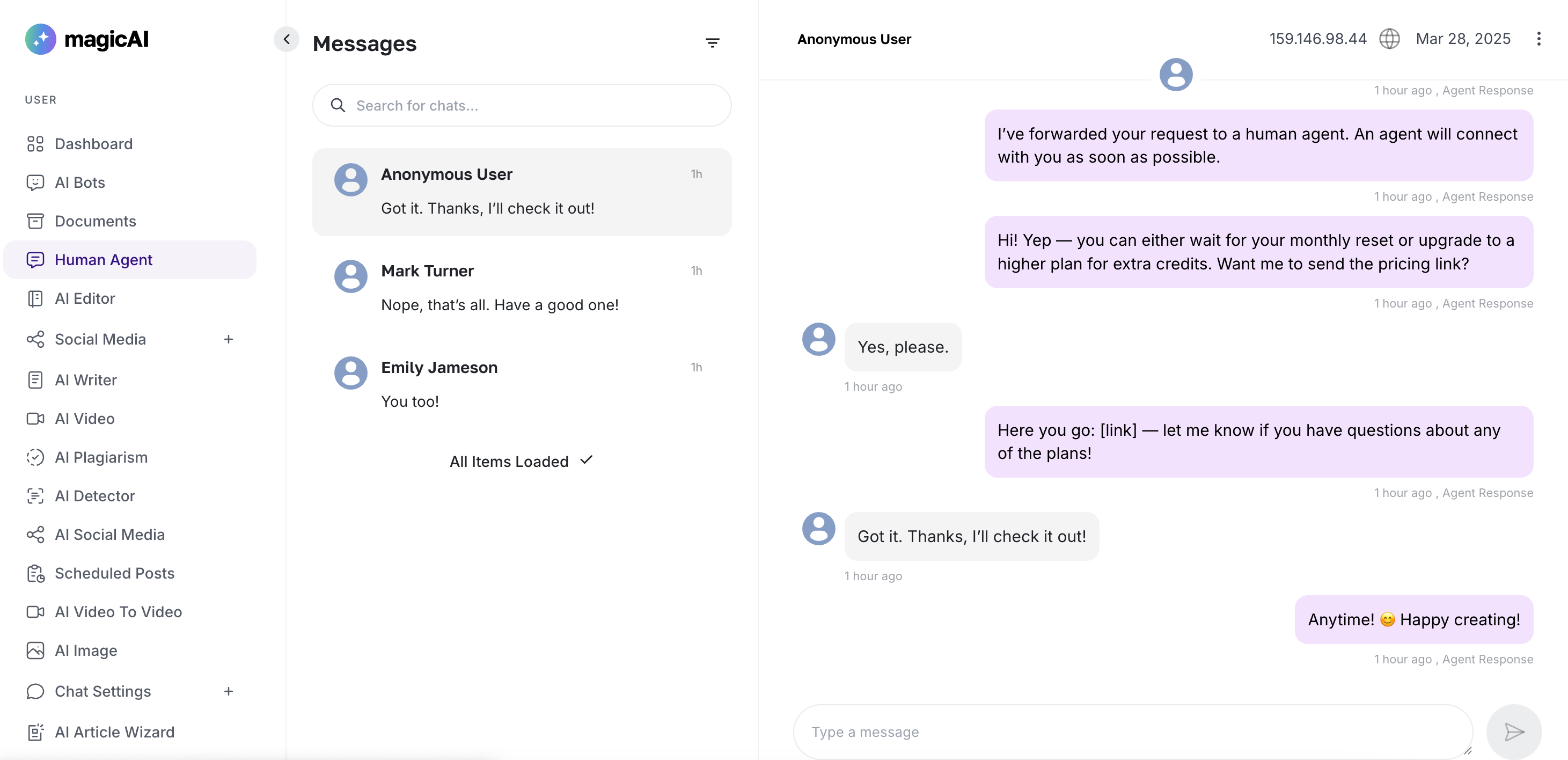
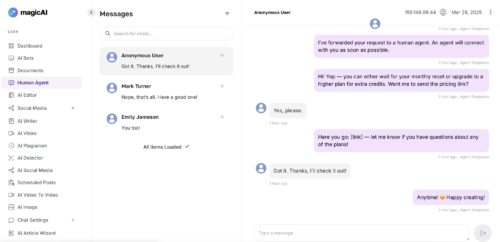
  • Navigate to the Human Agent page in your dashboard.
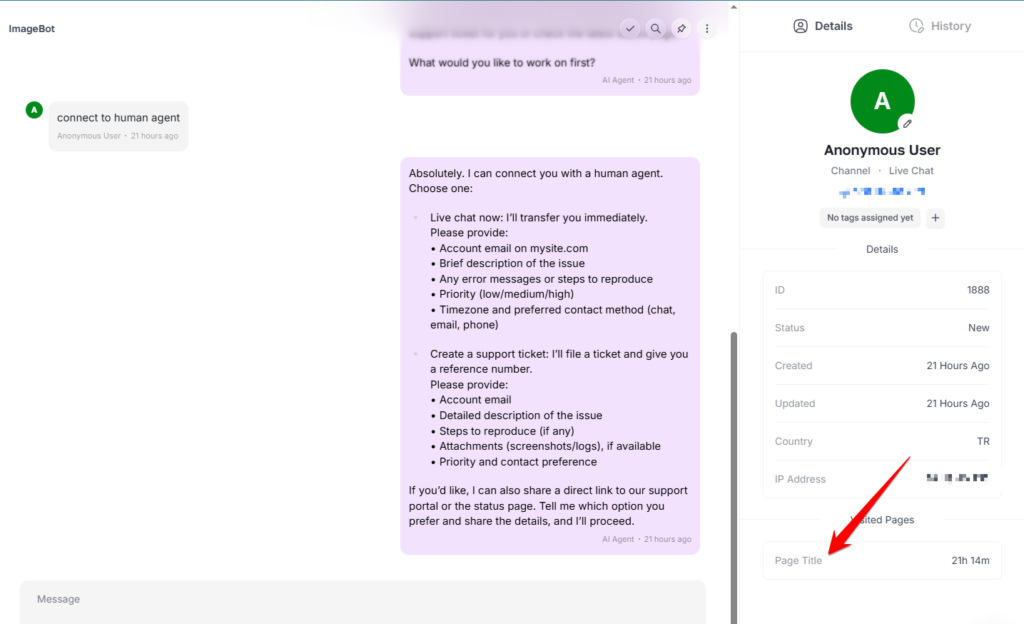
  • View, manage, and respond to live user chats in real-time.
New Features

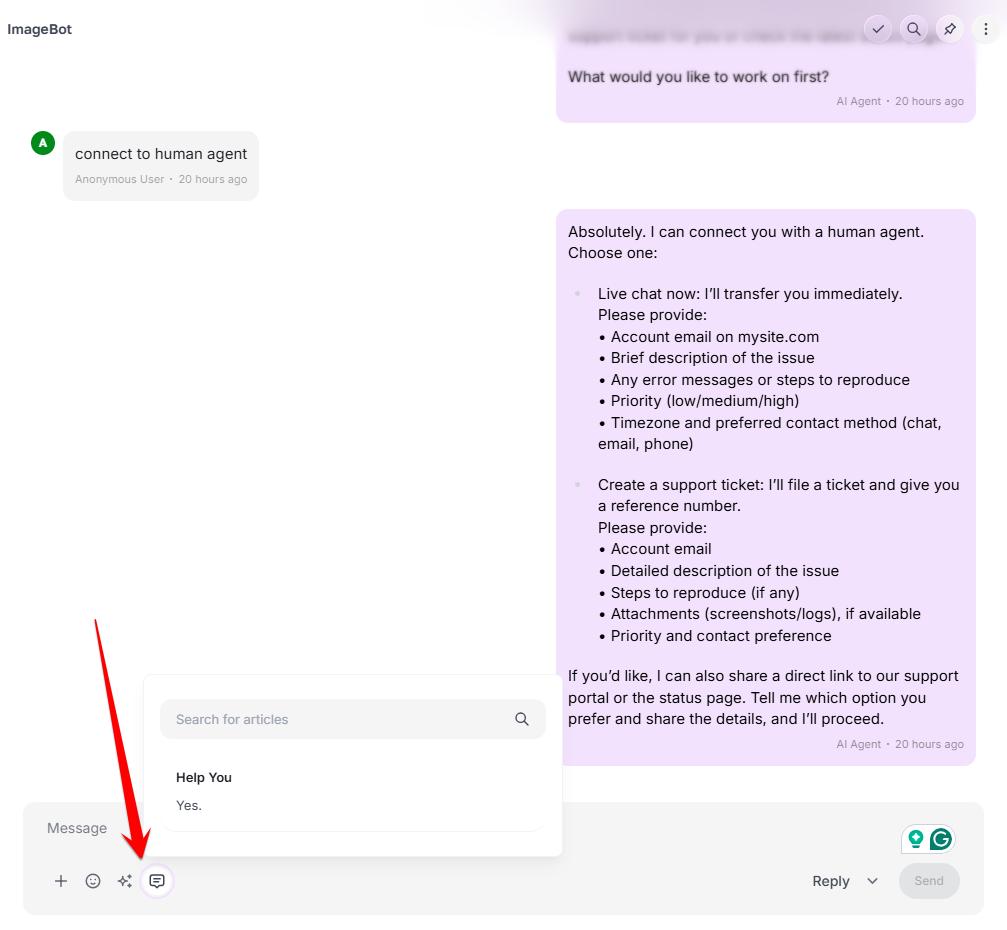
Canned Responses: We’ve introduced canned responses, enabling you to send pre-defined replies to your users instantly.

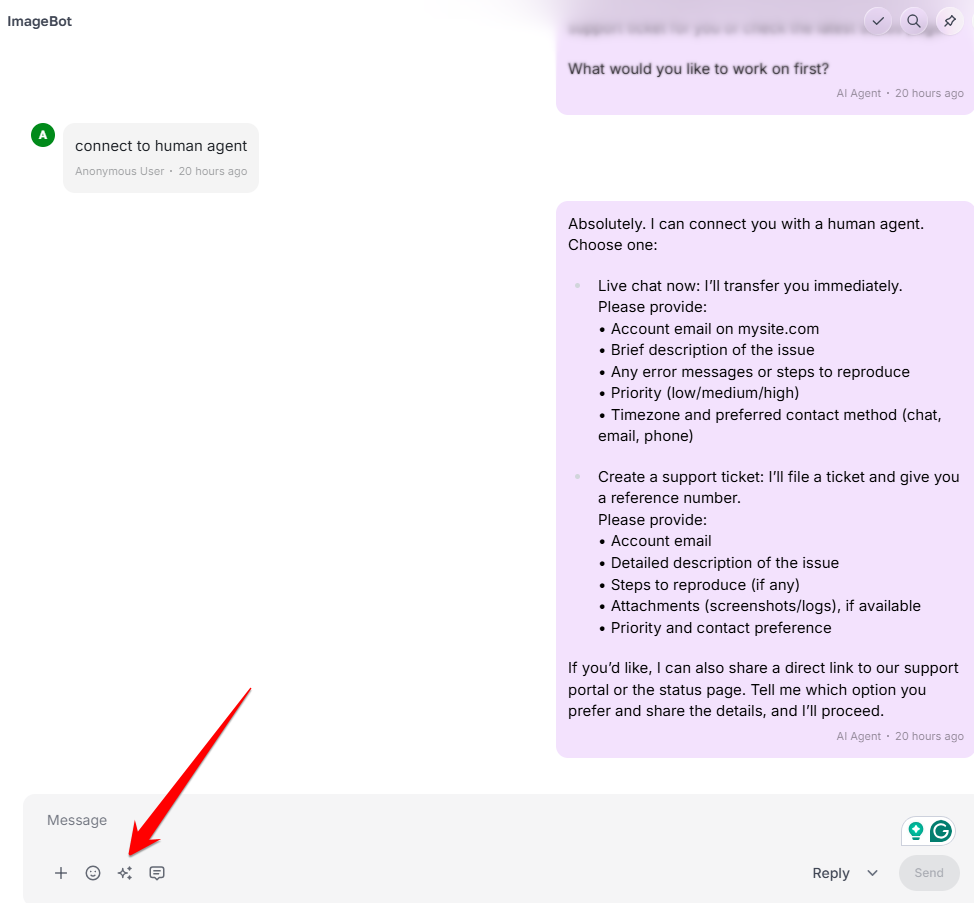
AI Actions for Human Agent Input: We’ve added an AI-powered option designed to streamline Human Agent Input within AI Actions.

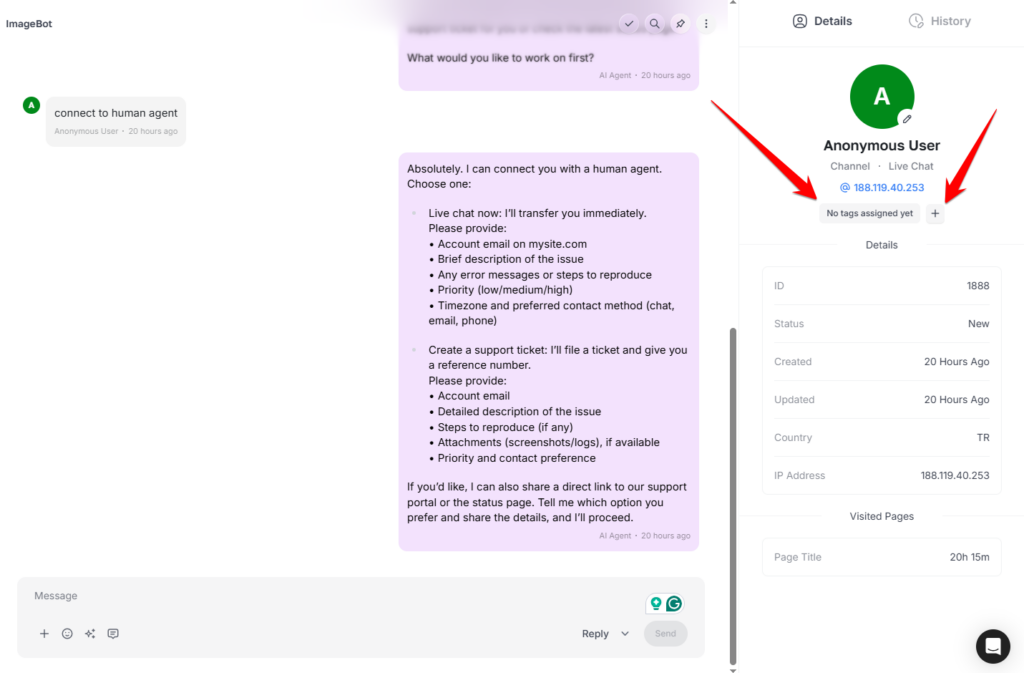
Customer Tags / Segmentation:We’ve introduced Customer Tags and Segmentation to help you organize your audience.

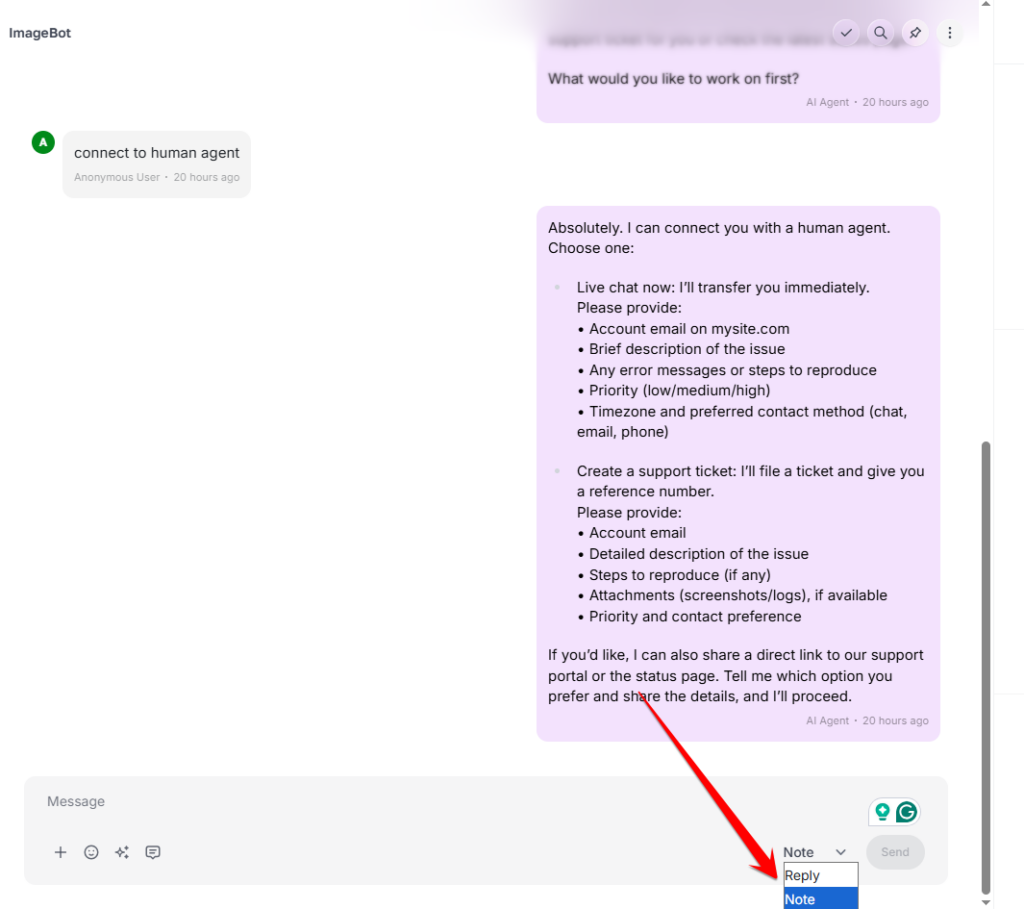
Add Notes for Human Agent: You can now add notes to provide more context for human agents.

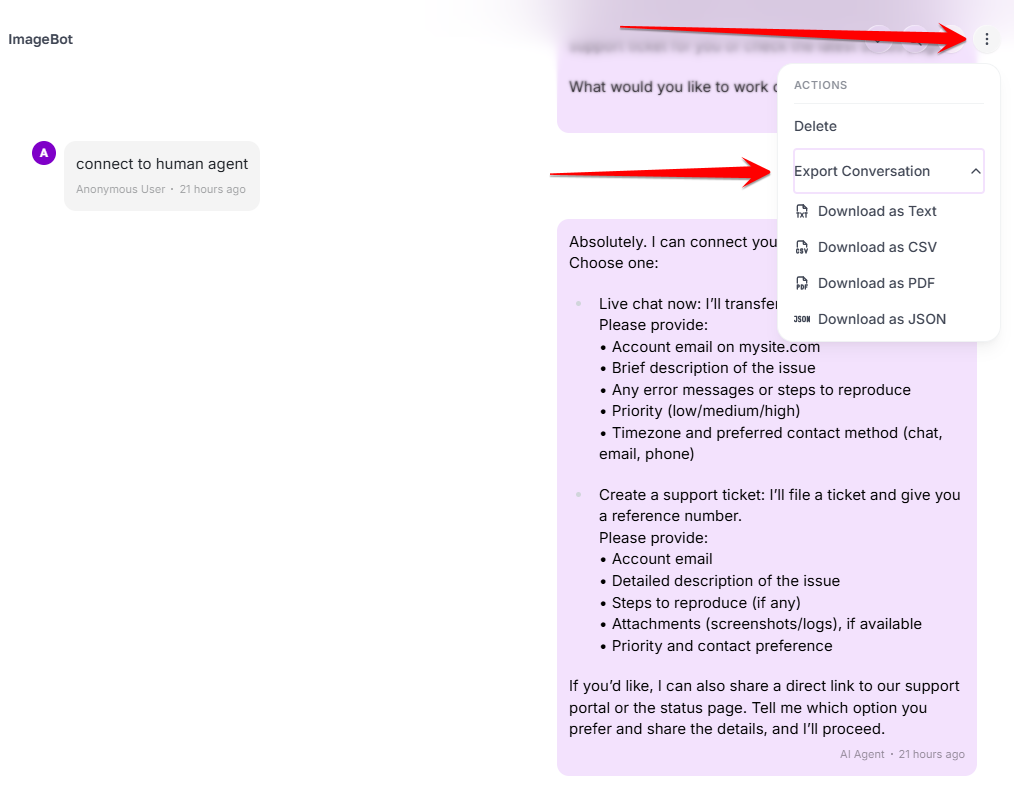
Download Conversation: A conversation download option is now available for your records.

Show Unread Messages (Bubble): We’ve introduced an Unread Message Bubble to help you track new activity at a glance.

Show Social Links in Bot Message: We’ve introduced an option to include social media links directly within bot messages.

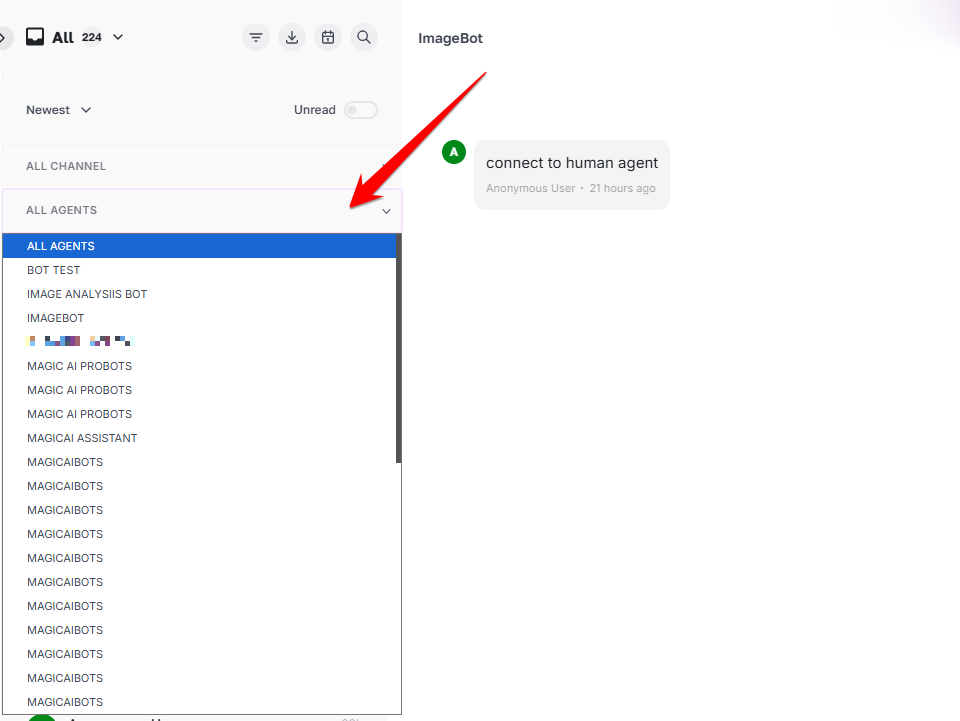
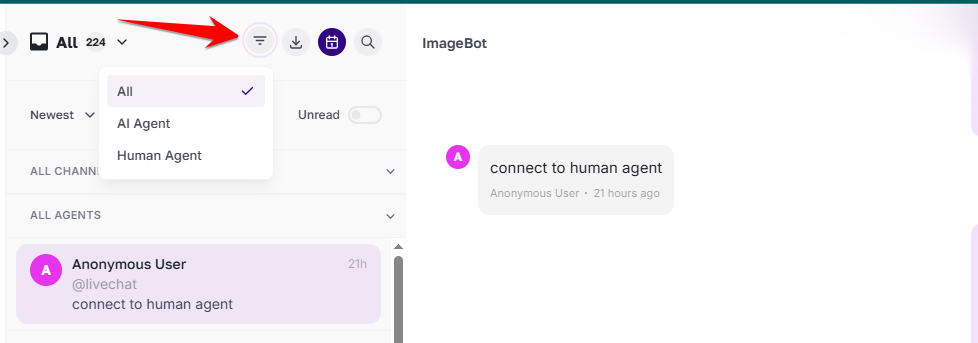
Filter by AI Chatbots: A new filter by AI Chatbot is now available for more refined searching.

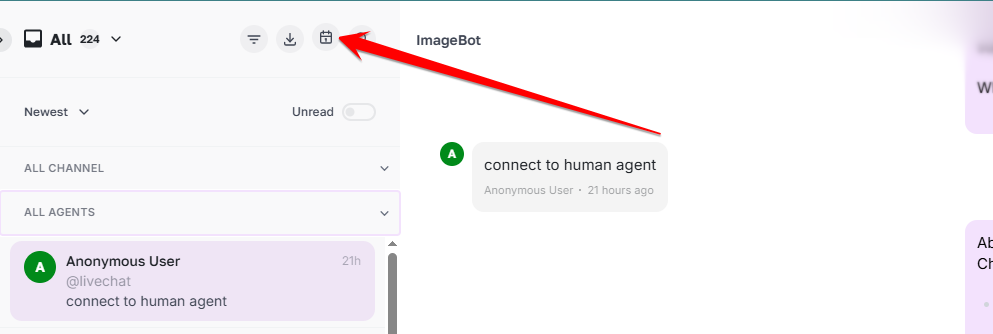
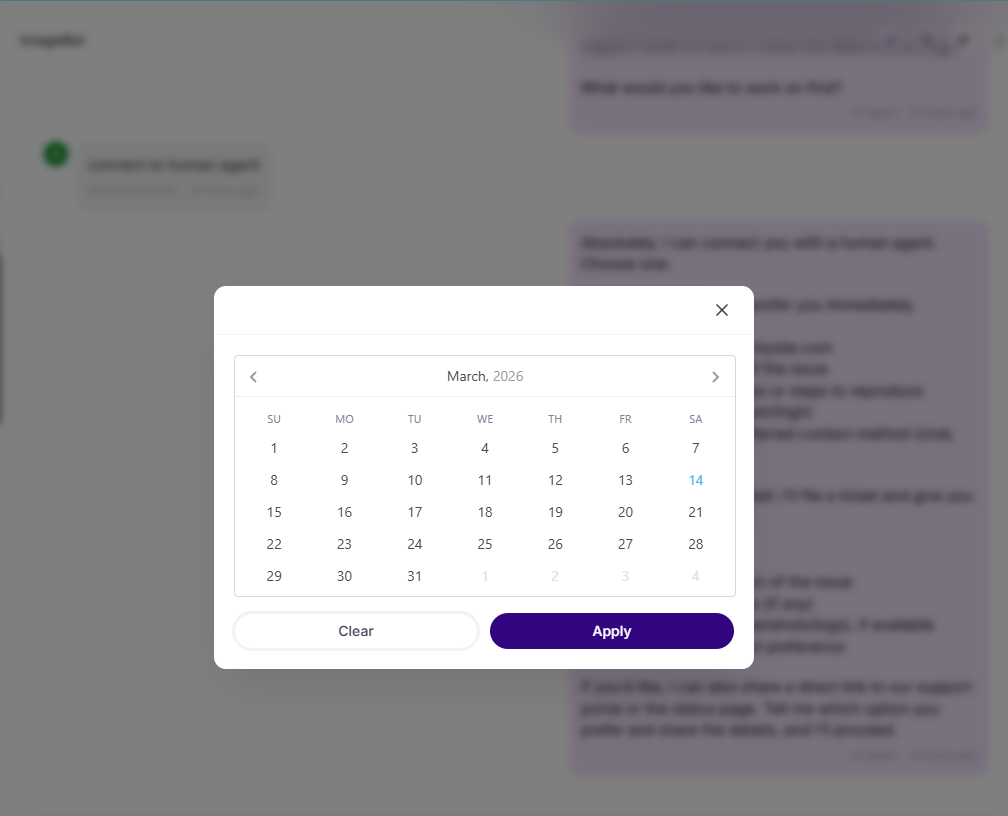
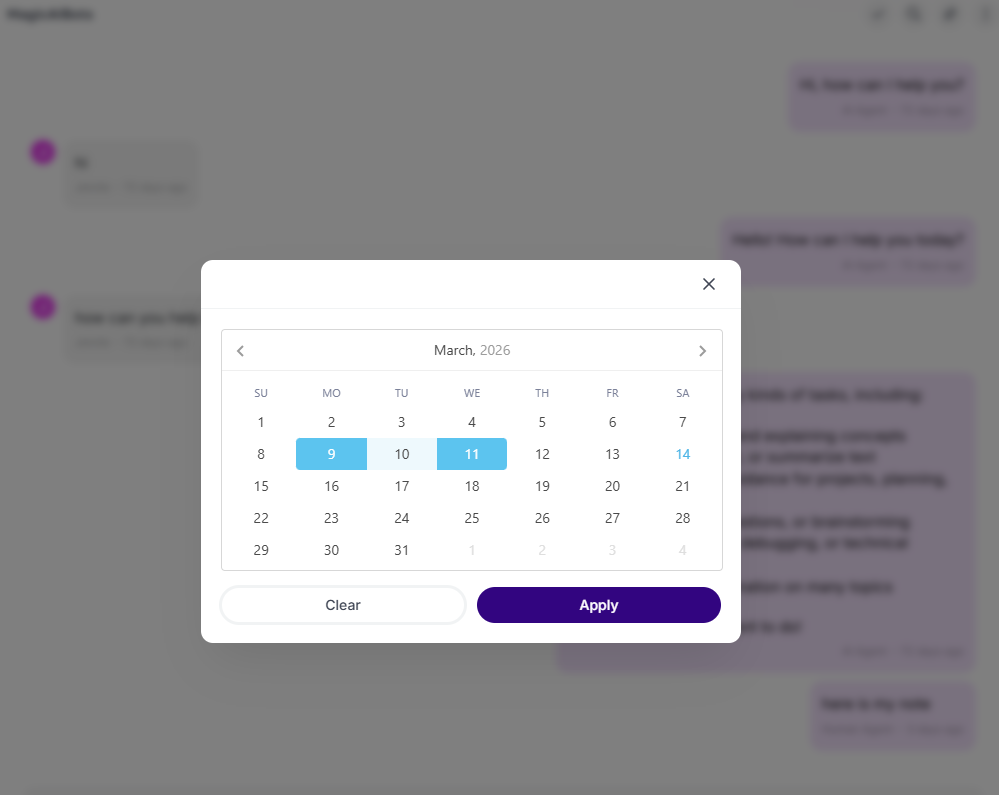
Filter by Date Range: e’ve introduced a new Date Range filter to help you refine your data.

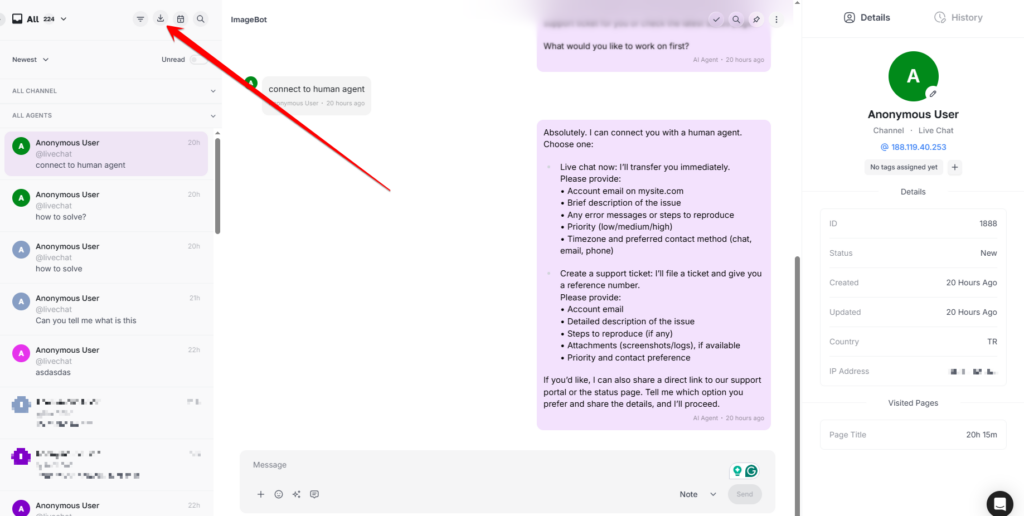
Export by Date Range Filter:  You can now export your results by selecting a custom date range.


Why Use the Human Agent Extension?

✅ Seamlessly transition from AI to human support
✅ Real-time live chat interaction with customers
✅ Centralized chat management from the MagicAI dashboard