



Type and hit enter
The AI Presentation Maker add-on is a smart automation tool that enables users to instantly generate professional presentations using the Gamma AI API. It helps turn ideas, topics, or scripts into fully designed slide decks with AI-generated visuals and themes, all within minutes.
Whether you’re preparing a business pitch, educational presentation, or marketing report, this add-on offers a fast, reliable, and AI-driven solution for creating high-quality slide content directly inside MagicAI.
To use the AI Presentation Maker, users must first connect their Gamma API account. Gamma powers the AI slide creation process and allows the system to generate full presentations automatically.
How to Set Up Gamma API Integration:
Once the API key is added and credits are allocated, the AI Presentation Maker will be ready to use.
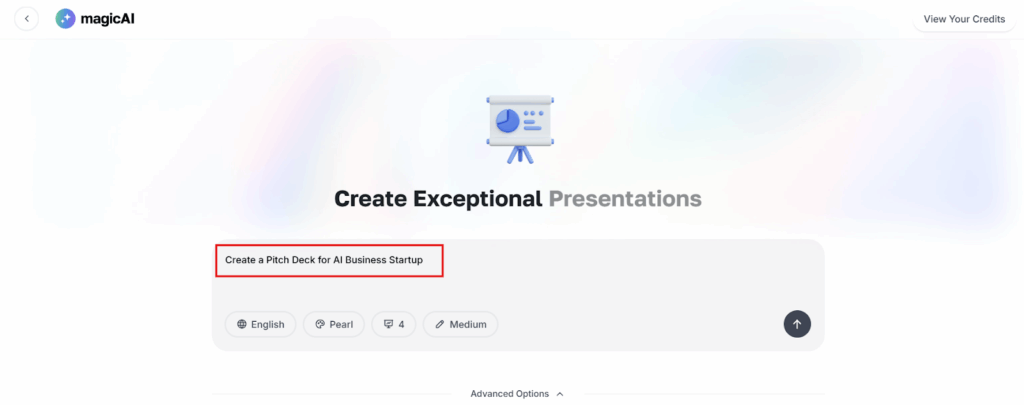
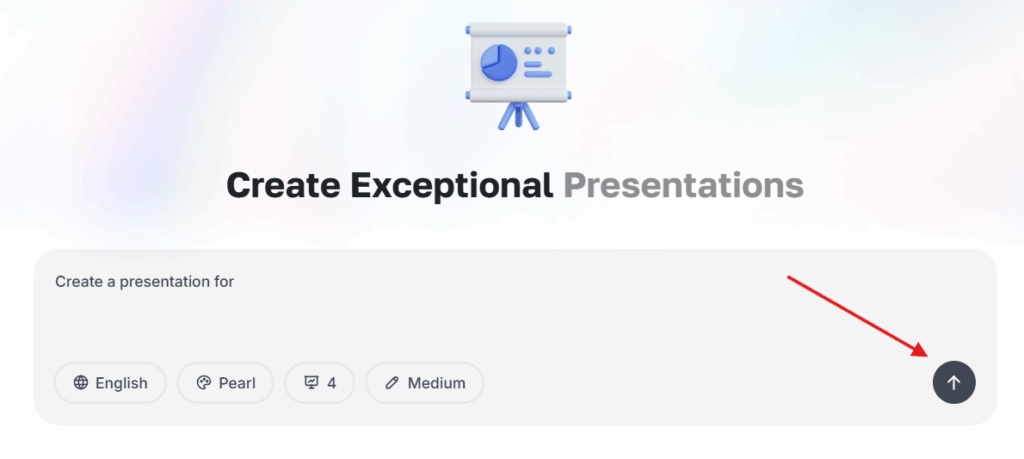
After integration, users can start creating presentations directly from the AI Presentation Maker interface.
To generate a new presentation:
2- Enter your topic, text, or outline.
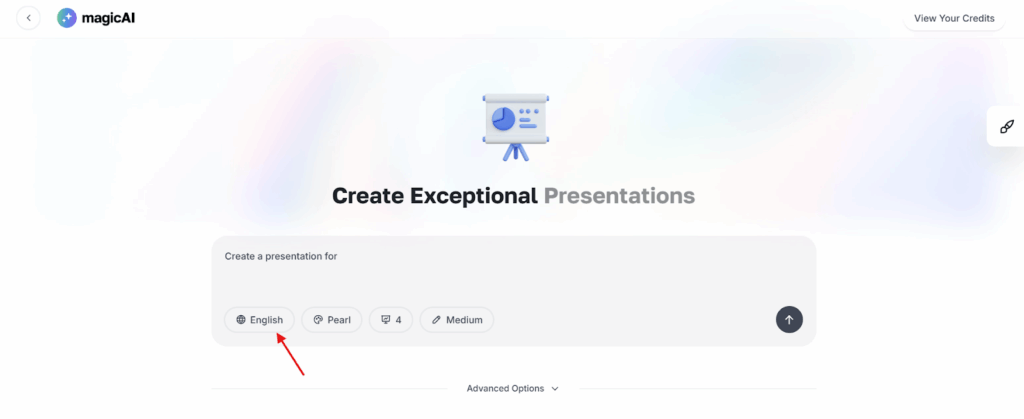
3- Choose Language from the available options.
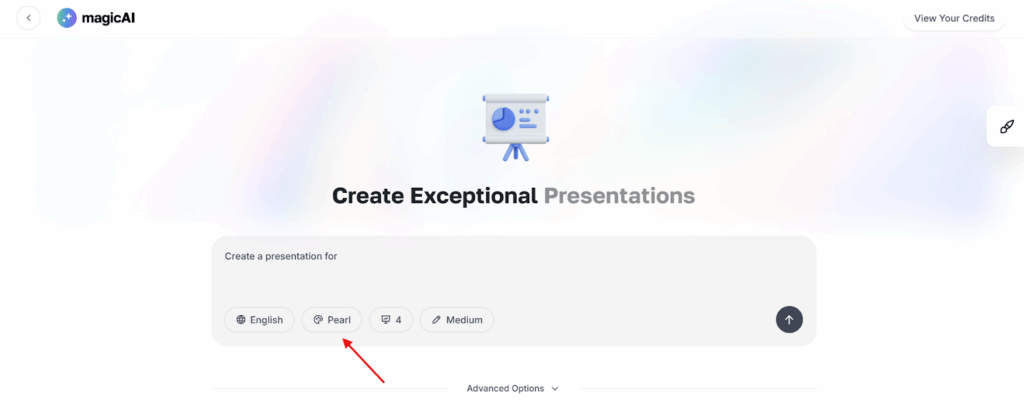
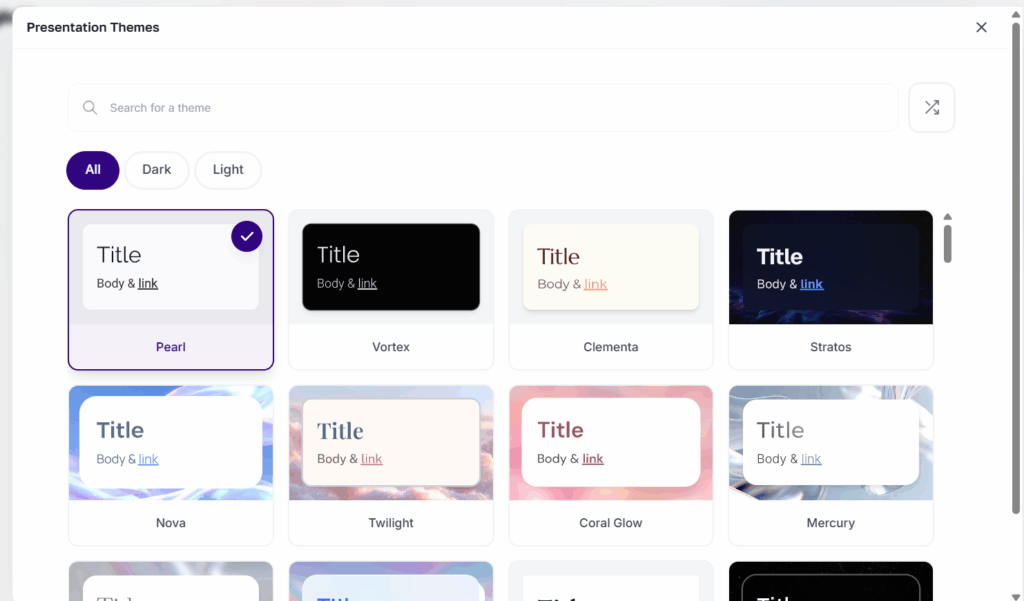
4- Choose a Theme from the available options
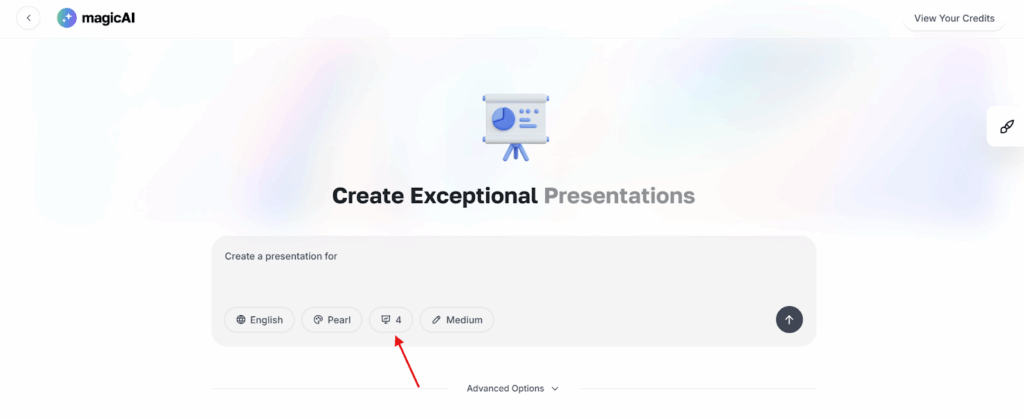
5- Choose Slides Count
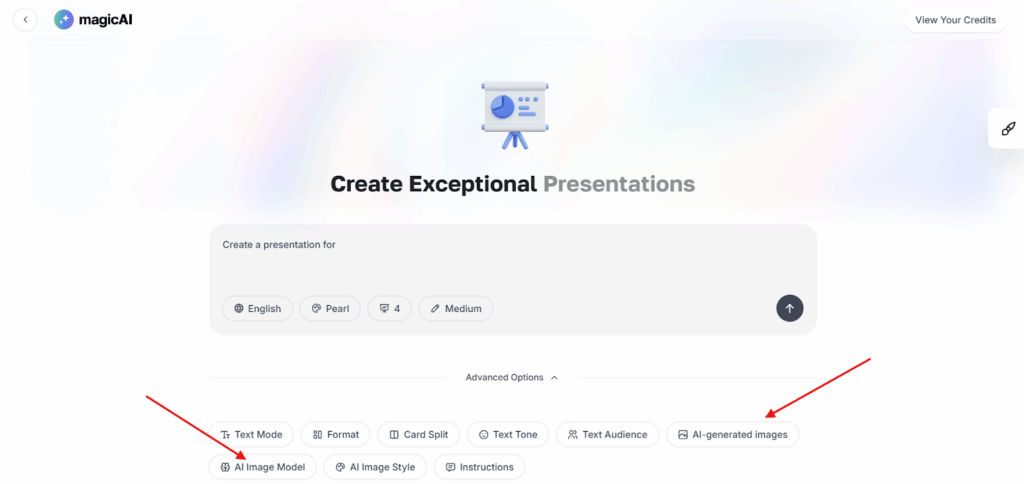
6- Select whether to include AI Images or Stock Photos from the advanced options.
7- Click Generate Presentation to start the process.
The system automatically analyzes the input and generates a presentation with up to 60 slides based on content length and context.
The AI Presentation Maker includes an image generation feature that enhances slides with relevant visuals.
There are three image models available:
Users can also choose to pull free stock photos from supported image platforms, helping to enrich slides without extra credit costs.
The add-on provides a collection of built-in presentation themes that determine slide design, layout, and color styling.
Themes are designed for flexibility, allowing users to match the look and feel of their presentation to different purposes such as business, creative, or educational use.
Currently, generated presentations can be downloaded as PDF files for easy sharing or offline use. Support for PPTX download is under development and will be available soon
Each presentation generated through the Gamma API consumes credits depending on the number of slides and the selected AI image model.
| Feature | API Parameter | Credits Charged* |
|---|---|---|
| Number of Cards (Slides) | numCards | ~3 credits per card |
| AI Image Model | imageOptions.model | Basic: ~2 credits/image Advanced: ~10–20 credits/image Premium: ~20–40 credits/image Ultra: ~40–120 credits/image |
*Credit charges subject to change, please visit the official Gamma API page for most accurate details.
Illustrative scenarios:
The AI Presentation Maker add-on provides a powerful and easy way to create complete, visually appealing presentations using Gamma AI. With its fast setup, smart automation, and AI-driven image generation, it saves time while producing professional results — perfect for marketers, educators, and businesses looking to simplify their presentation workflow.
Adding {{itemName}} to cart
Added {{itemName}} to cart