

Type and hit enter
The Instagram Integration allows you to connect your AI Chatbots directly to your Instagram Business accounts. Once configured, your embedded chatbots can pull data, respond to inquiries, and interact with users using the power of your trained AI models.
Before starting the integration, ensure you have the following:
An Instagram Business Account (Creator accounts are not supported by the Meta API for automated messaging).
A Facebook Page linked to your Instagram Business account.
Developer Access to the Meta for Developers portal.
Log in to the Meta for Developers portal.
Create a New App and select the “Business” or “Consumer” type.
Add the Messenger product to your app.
Navigate to Messenger > Settings and link your Facebook Page.
In the Meta App settings, generate a Page Access Token.
Ensure you have granted the following permissions:
instagram_basic
instagram_manage_messages
pages_manage_metadata
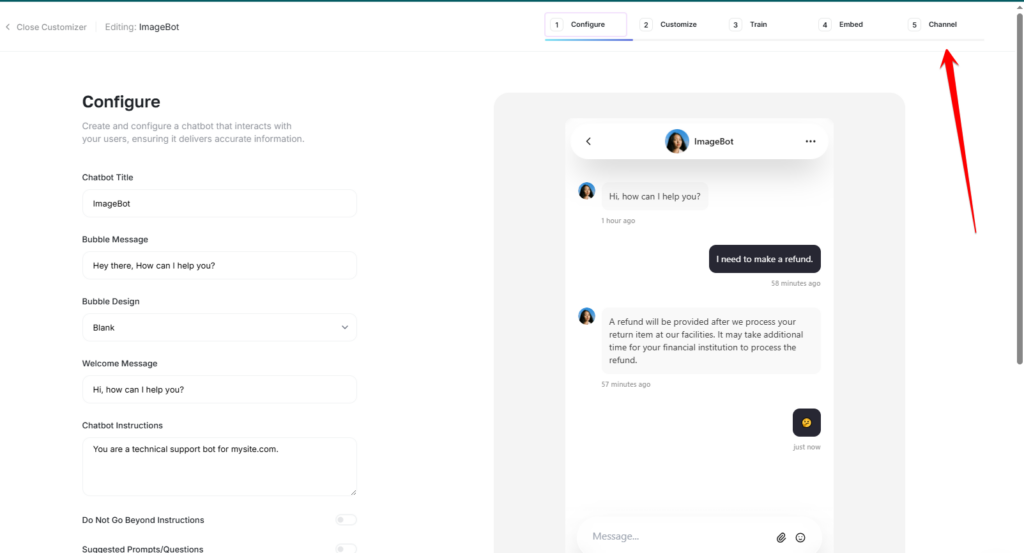
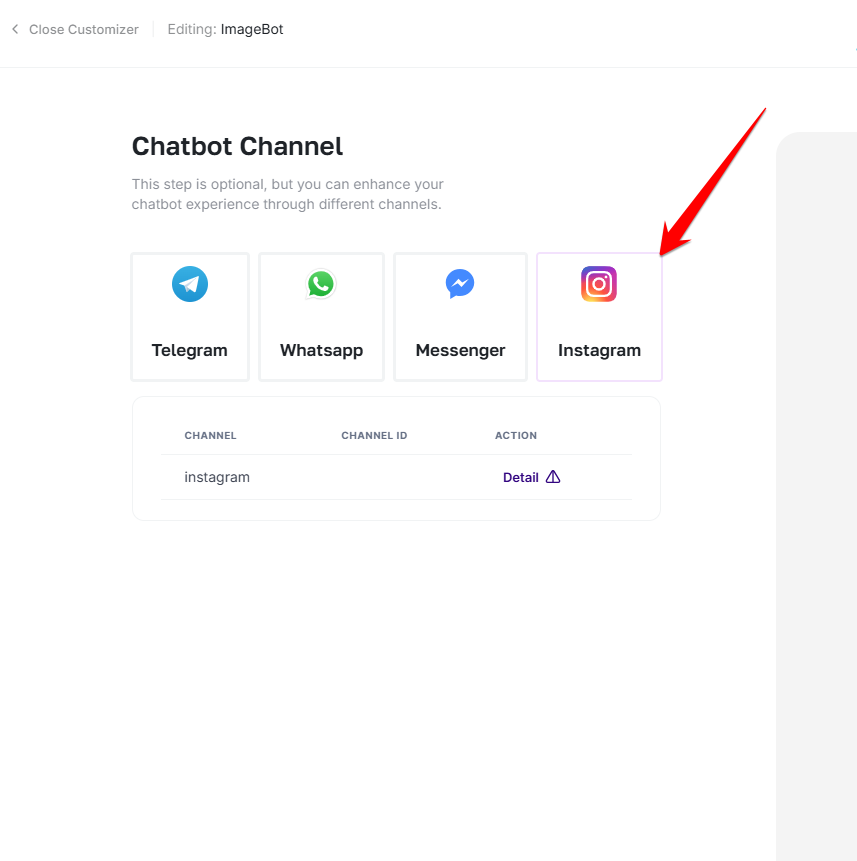
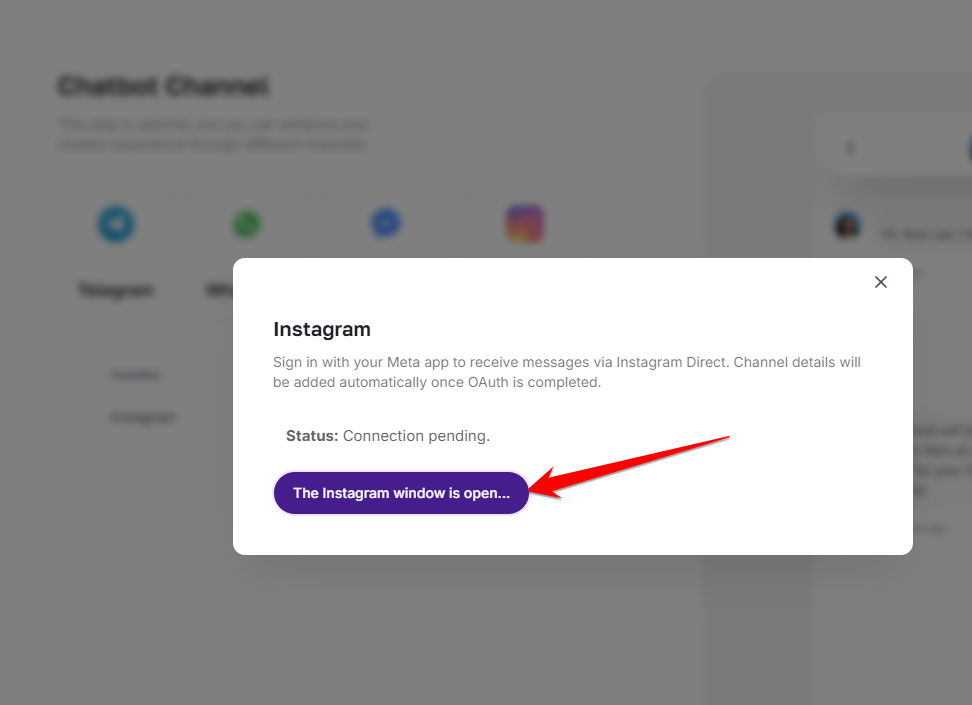
In the channels, the fifth step of creating an external chatbot, you can connect to Instagram.
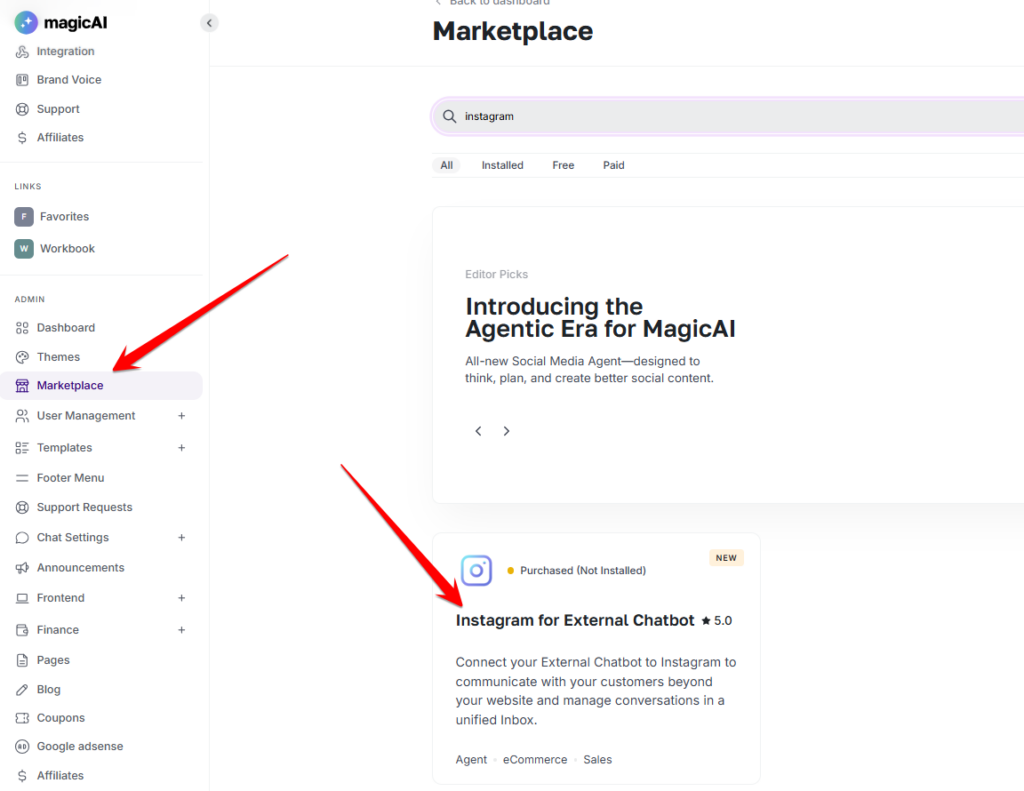
To enable this feature, you will need to install the add-on from the marketplace.
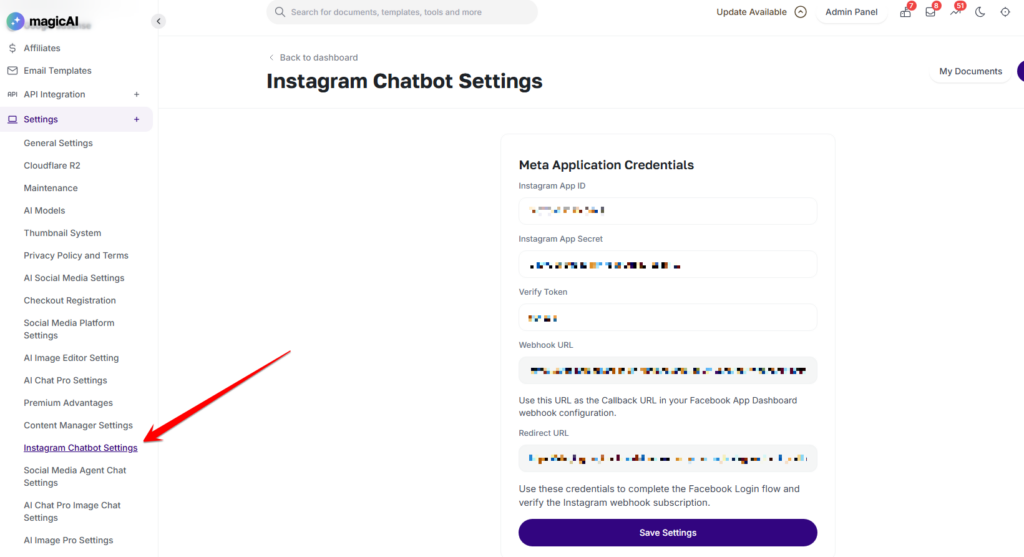
You will need to add the Facebook App ID and Secret here for the Instagram Chatbot.
Adding {{itemName}} to cart
Added {{itemName}} to cart